Troubleshooting
IPTV Player vs IPTV Provider: What's the Difference?
The player is the app you watch in; the provider supplies the service. Understand who does what, who to contact for which problem, and why the distinction matters.
By IPTV Apollo Editorial TeamUpdated 2 min read
On this page
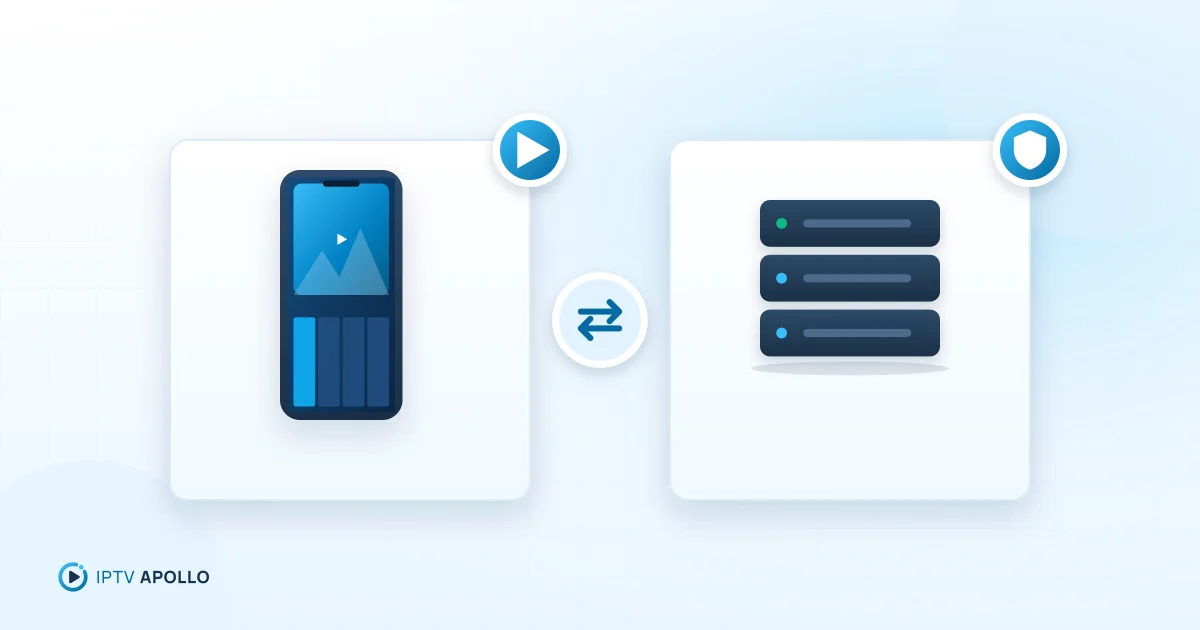
One of the most common sources of confusion in IPTV is the difference between the player and the provider. They're separate things, made by separate companies — and knowing which is which saves a lot of time when something goes wrong.
The short version
- The provider supplies the service: the subscription, the streams, the account, and usually the guide data.
- The player is the app on your device that you use to watch: the interface, the playback engine and the settings.
Think of it like email: your email provider stores and delivers your mail; your email app is just the program you read it in.
Who does what
| Provider (e.g. IPTV Apollo) | Player app | |
|---|---|---|
| Sells you a subscription | ✓ | |
| Provides streams and on-demand content | ✓ | |
| Issues your access details (M3U / Xtream) | ✓ | |
| Supplies program guide data | ✓ (usually) | |
| Interface, menus, favourites | ✓ | |
| Video and audio decoding | ✓ | |
| Settings: buffer, decoder, format | ✓ | |
| App updates and app bugs | ✓ | |
| Parental controls | ✓ (usually) |
Who to contact for which problem
| Problem | Contact |
|---|---|
| Login says expired or invalid | Provider (after checking for typos) |
| A channel won't play on every device | Provider |
| Guide data missing for all channels | Provider (after checking EPG settings) |
| App crashes or a menu disappeared after an update | Player developer |
| Can't find a setting in the app | Player developer (or their documentation) |
| Buffering everywhere on Wi-Fi only | Your home network — see Wi-Fi problems |
Not sure? The IPTV not working guide helps you isolate the cause.
Why the distinction matters
- Choosing: you choose a provider for the service and a player for the experience. You can switch players without changing provider.
- Paying: some players charge for premium features. That payment goes to the app developer — it doesn't include any content.
- Safety: an app that comes "pre-loaded" with channels is mixing the two roles in a way that's often a red flag. Legitimate players ship empty and you add your provider's details. See how to install IPTV apps.
How they connect
The link between them is your access details: an M3U playlist URL or an Xtream Codes login. You enter them into the player, and the player uses them to reach the provider's service. See the access-method comparison and how to connect an IPTV player to your subscription.
Choosing each one
Choosing a provider: look for transparency, clear terms and real support — see how to evaluate an IPTV provider.
Choosing a player: look for support for your access method, a good TV interface, EPG support, and recent updates from an identifiable developer.
Where IPTV Apollo fits
IPTV Apollo is a provider. We supply the subscription, your access details and setup guides. We don't make, sell or control player apps, and we're not affiliated with their developers — but our guides explain how to set up common players on popular devices.
Frequently asked questions
Does buying a player app give me channels?
If I pay for a player, should the player developer fix my channels?
This guide is for general information. Third-party apps and device menus change over time; if something looks different on your device, check the app or manufacturer's own documentation. Brand names belong to their respective owners.
Related reading
Troubleshooting
M3U vs Xtream Codes: Understanding the Differences
M3U playlists and Xtream Codes logins both connect a player to an IPTV subscription. Compare how they work, what loads automatically, ease of setup and which to choose.
3 min read
Setup
How to Install IPTV Apps on Compatible Devices
How to install an IPTV player safely on every major platform — official app stores first, trusted sideloading where allowed — plus how to spot unsafe apps and keep players updated.
3 min read
How IPTV Works
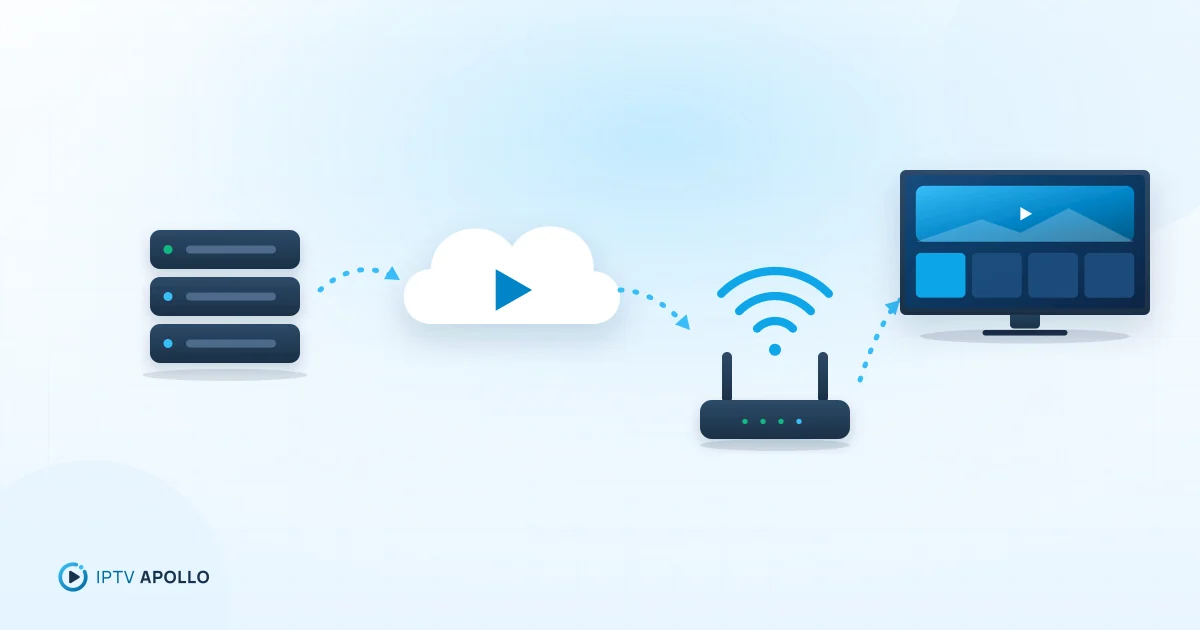
What Is IPTV and How Does It Work?
A plain-English explanation of IPTV: what the acronym means, how live TV and on-demand video travel over the internet to your screen, and what you need to watch it.
5 min read