Troubleshooting
M3U vs Xtream Codes: Understanding the Differences
M3U playlists and Xtream Codes logins both connect a player to an IPTV subscription. Compare how they work, what loads automatically, ease of setup and which to choose.
By IPTV Apollo Editorial TeamUpdated 3 min read
On this page
Most IPTV subscriptions give you one of two ways to connect your player: an M3U playlist URL or an Xtream Codes login. Both get you to the same service, but they work differently, and the choice affects how easy setup is and how much your player can do automatically.
What each one is
M3U playlist
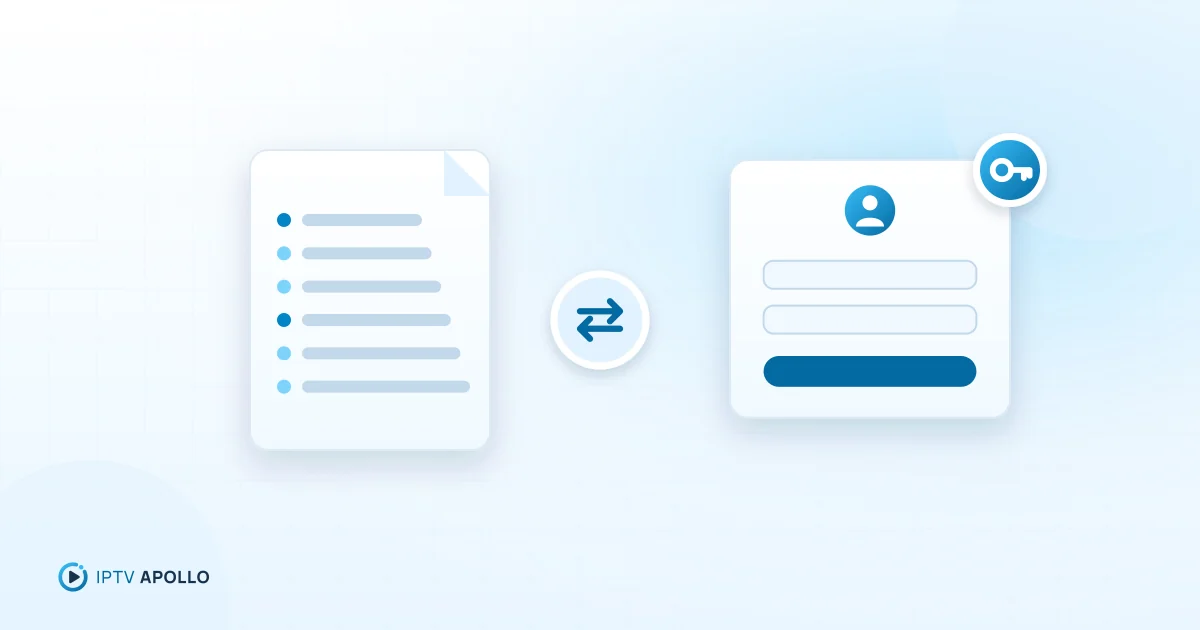
A text file (usually provided as a URL) that lists channels with their names, groups, logos and stream addresses. The player downloads the list and plays streams from it. Guide data usually comes from a separate EPG URL in XMLTV format. Details: how to add an M3U playlist.
Xtream Codes login
A login — server URL, username and password — that lets the player talk to the provider's server through an API. The player asks the server for categories, channels, on-demand content, series and guide data, and receives them in a structured form. Details: how to configure Xtream Codes.
Side-by-side
| M3U playlist | Xtream Codes login | |
|---|---|---|
| What you enter | One (often long) URL | Server URL + username + password |
| Typing on a TV remote | Tedious | Easier |
| Live channels | Yes | Yes |
| On-demand / series | Often as long flat lists | Usually organised with artwork and details |
| Program guide | Usually a separate EPG URL | Usually automatic |
| Catch-up | Depends on playlist and player | Often supported by compatible players |
| Player support | Almost universal, incl. general media players | Supported by many dedicated IPTV players |
| Account info (e.g. expiry) | Not usually shown | Often shown in the player |
When to choose M3U
- Your player only supports playlists
- You're testing in a general-purpose media player (like VLC on a computer) — see IPTV on Windows PC
- You want the simplest possible "list of channels"
When to choose Xtream Codes
- Your player supports it — most dedicated IPTV players do
- You want the guide and on-demand content to load automatically
- You're entering details with a TV remote
- You want to see account information like the end date inside the player
For most people using a dedicated player on a TV, Xtream Codes is the easier choice.
Common misunderstandings
- "M3U is a different service." No — both usually connect to the same subscription.
- "Xtream Codes is an app." It's a login method that many apps support. Player labels include "Xtream API" or "Xtream Codes API".
- "Using both doubles my connections." No. Each active stream counts as a connection, whichever method it uses.
Security note
An M3U URL usually contains your username and password within the link, so sharing it is the same as sharing your login. Keep both private, and contact your provider if you think they've been exposed.
Troubleshooting by method
- M3U won't load: check the whole URL was copied — channels not loading
- Xtream login fails: check server format, case and port — the login error guide
- Guide missing with M3U: add the EPG URL — the TV guide setup steps
Summary
M3U is a portable list of channels; Xtream Codes is a structured login that lets your player fetch everything — channels, VOD and guide — automatically. Use Xtream Codes in a dedicated player where you can; use M3U for compatibility and quick tests.
Frequently asked questions
Can I use both M3U and Xtream Codes for the same subscription?
Which is more secure?
This guide is for general information. Third-party apps and device menus change over time; if something looks different on your device, check the app or manufacturer's own documentation. Brand names belong to their respective owners.
Related reading
Setup
How to Add an M3U Playlist to an IPTV Player
Step-by-step: add an M3U playlist URL or file to an IPTV player, understand what's inside an M3U file, add the EPG, and fix the most common playlist errors.
3 min read
Setup
How to Configure Xtream Codes in a Compatible Player
Step-by-step: enter an Xtream Codes login (server URL, username, password) in a compatible IPTV player, format the server address correctly, and fix common login errors.
2 min read
Troubleshooting
IPTV Player vs IPTV Provider: What's the Difference?
The player is the app you watch in; the provider supplies the service. Understand who does what, who to contact for which problem, and why the distinction matters.
2 min read